
How video analysis works
Your video becomes a movement timeline and AI review.
Record a shot or choose a video from your phone. ArcherSense processes pose movement on the device, then uploads the recording for cloud AI feedback.
Download ArcherSense ↗Available on iOS and Android. Plans and availability can vary by country.
01
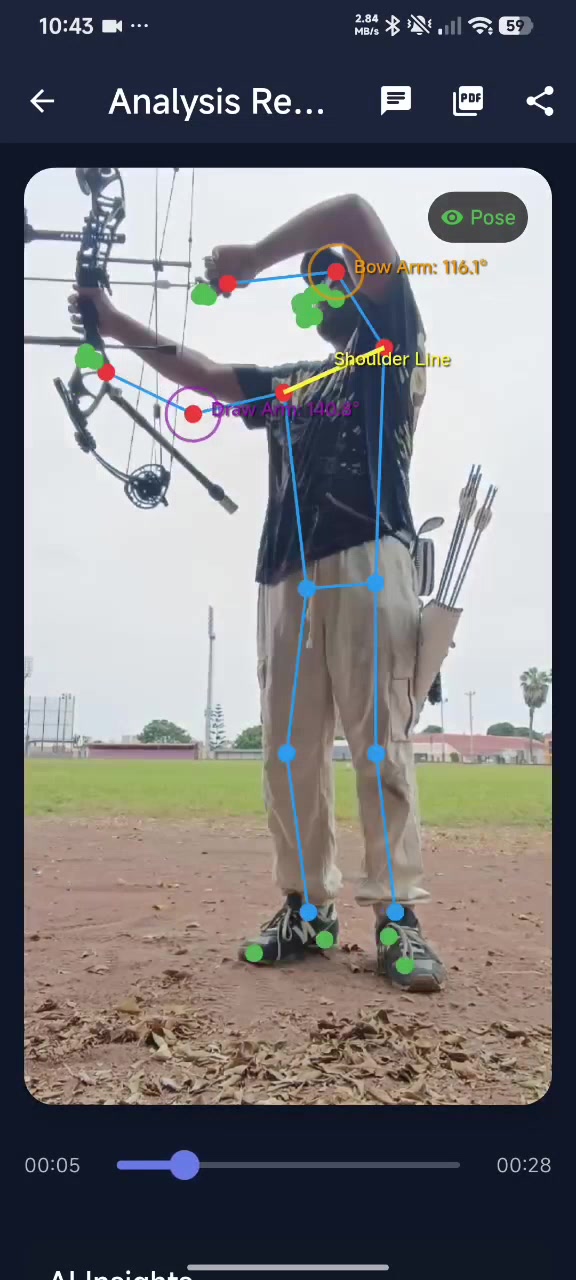
Record or select a video.
Capture a shot in the app or import a video from your phone. A steady camera, useful light, and a clear view of the full motion make the clip easier to review.
- Record or import a clip
- Keep the camera steady
- Include the full shooting motion
02
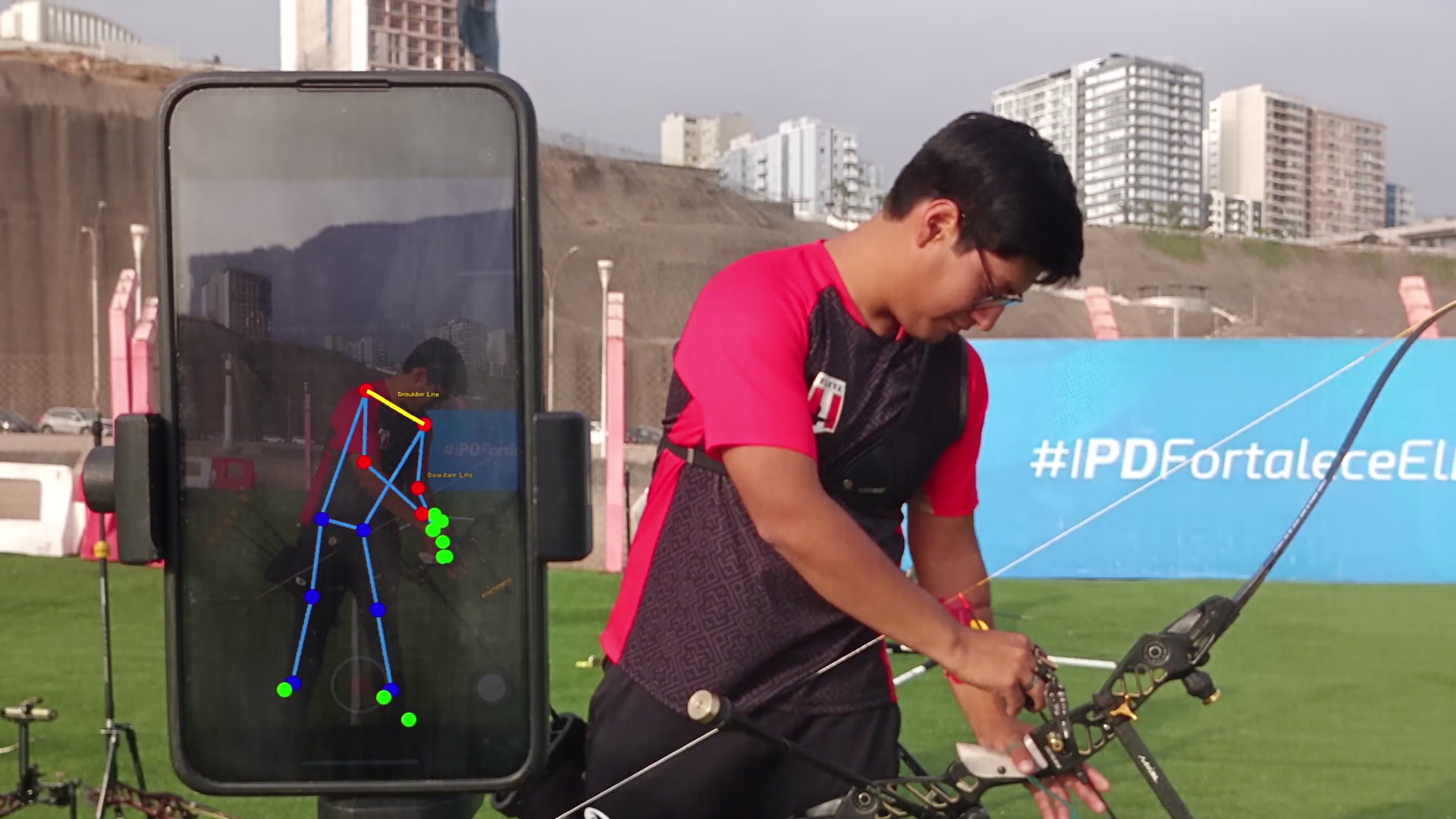
Pose movement is processed on your device.
The app creates a pose timeline from the recording locally. For AI feedback, it uploads the video to the cloud service, which returns analysis metrics, insights, and detailed feedback.
- Local pose timeline
- Cloud AI analysis
- Metrics, insights, and feedback
03
Review the result and decide what to test.
Reopen a saved analysis, compare two saved videos, or ask a follow-up question about the result. Use the observations alongside your own feel and coaching context.
- Reopen saved reviews
- Compare two videos side by side
- Ask a follow-up question
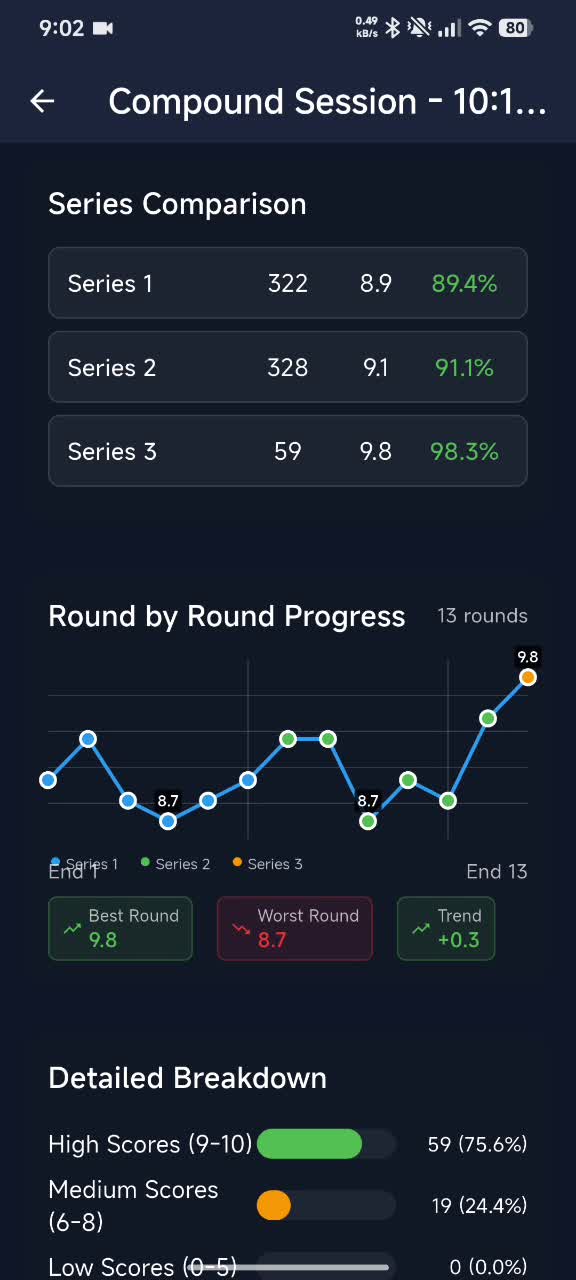
Sample video analysis
See a recorded shot and its review.
Watch the sample, then record your own shot with a steady camera and your full shooting motion in view.
Before you start
What to keep in mind.
Cloud AI analysis requires an internet connection and uploads the selected video. The review is training feedback, not a clinical measurement or a guarantee of accuracy.
Questions before you download
Clear answers for the range.
A stable side-on view is the best starting point for seeing a complete shooting motion. Keep the full body visible and avoid an angle that hides the bow arm or release.
No. AI feedback is returned after you record or import and upload a video for analysis.
No. ArcherSense is a training aid. Use its cues beside your own feel, score, and coach's judgement.
A video cannot show everything about an archer's feel, intent, equipment setup, or range conditions. Camera angle, lighting, clothing, and objects blocking the view can also hide movement.
On iOS and Android
Take ArcherSense to the range.
Log your scores, review recorded shots, and share a report with your coach.