
For archers and their coaches
Bring a video review or scored session to practice.
Review an analysis with your coach, compare two saved videos, or share a session report as a PDF from your phone.
Download ArcherSense ↗Available on iOS and Android. Plans and availability can vary by country.
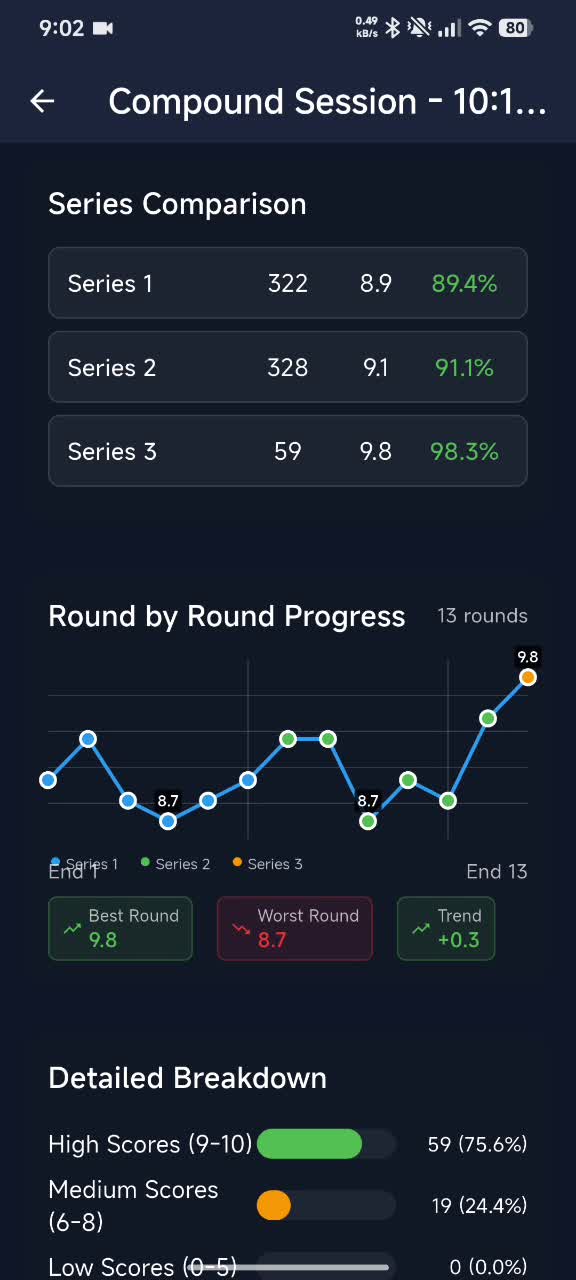
01
Save a session or video report.
An archer can save a session report or video-analysis report as a PDF, then share it from the phone when preparing for a coaching session.
- Save a session report
- Export a video-analysis report
- Share the PDF from the phone
02
Compare saved videos side by side.
Select two saved videos to compare their players and analysis. The archer can also ask a follow-up question in a chat seeded with a completed review.
- Compare two saved videos
- Reopen a completed analysis
- Ask a follow-up question about the review
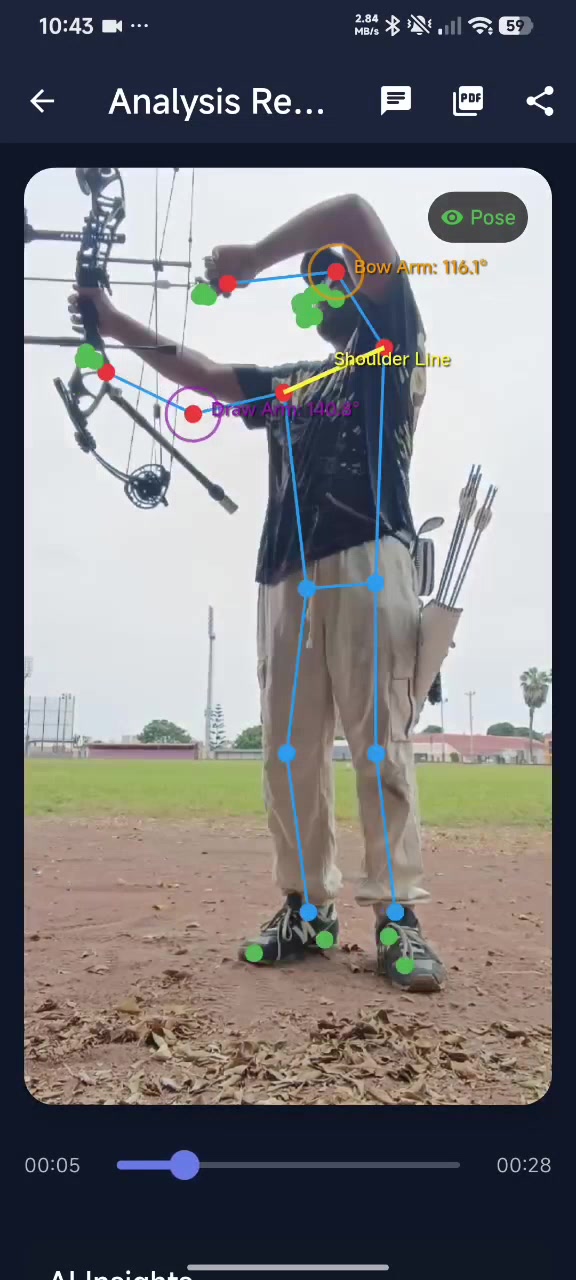
03
Keep the review grounded in the archer's context.
Use the original recording, the archer's feel, session score, equipment, and range conditions to assess an AI observation. The app adds material to the discussion; it does not replace coaching judgement.
- Review the original recording
- Discuss the archer's experience
- Use the coach's judgement
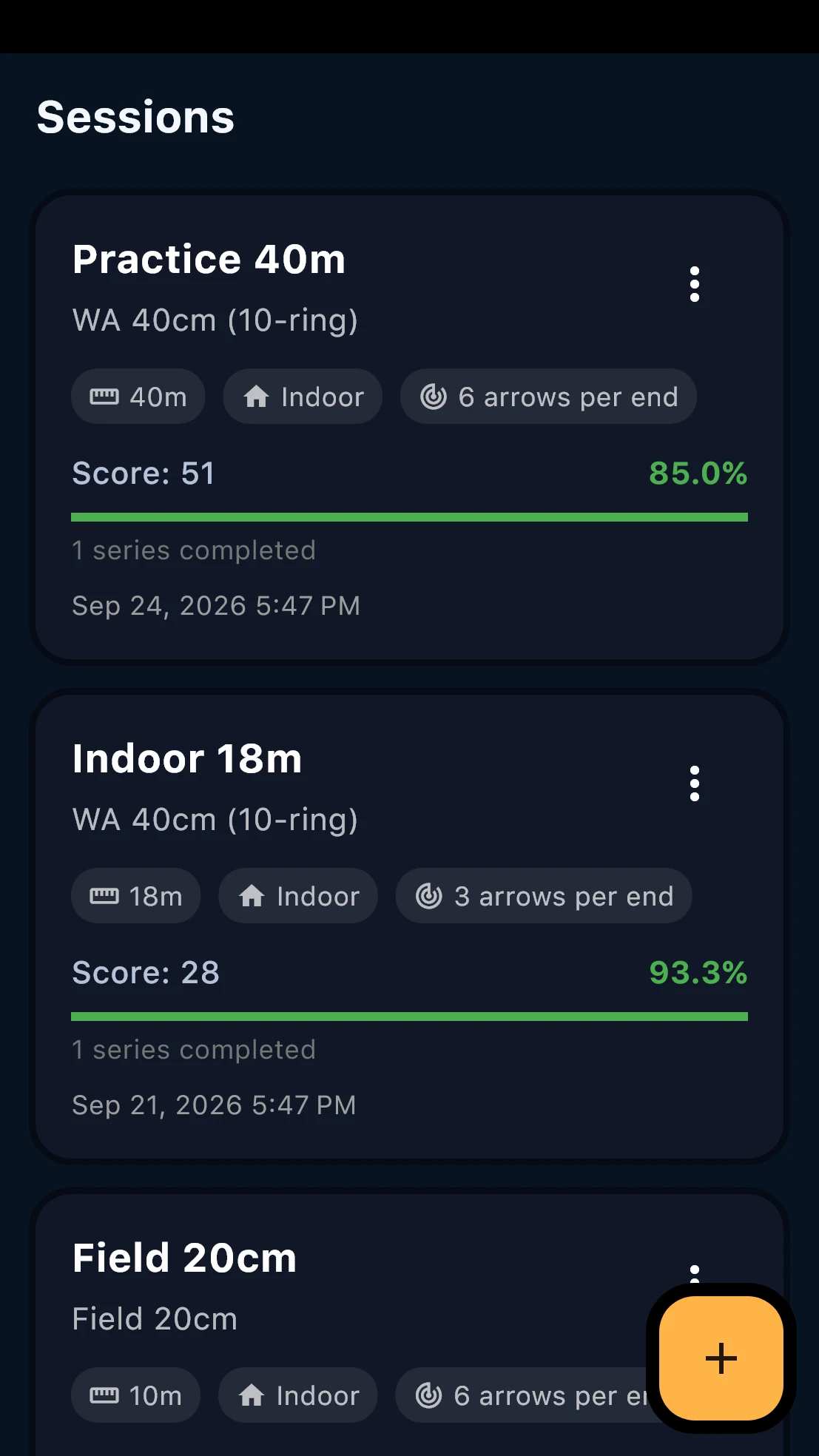
Sharing and review
Share and review reports.
Save a video-analysis or session report as a PDF and share it from the phone. Coaches do not access the athlete's account inside ArcherSense.
A recorded review can return structured form metrics, insights, and detailed feedback. Saved reviews appear in the video library, where an archer can reopen a result or compare two saved videos.
Yes. A completed video analysis can open a chat thread seeded with that review, so the archer can continue the question in the app before bringing it to a coach.
No. The app provides an additional observation from the recording and session data. A coach still brings the context of the archer's goals, equipment, range conditions, and feel.
On iOS and Android
Take ArcherSense to the range.
Log your scores, review recorded shots, and share a report with your coach.