
Start with your next practice task
Record a shot. Log an end. Review your practice.
Choose the ArcherSense workflow that fits what you want to work on today.
Explore video analysis ↗Available on iOS and Android. Plans and availability can vary by country.

01
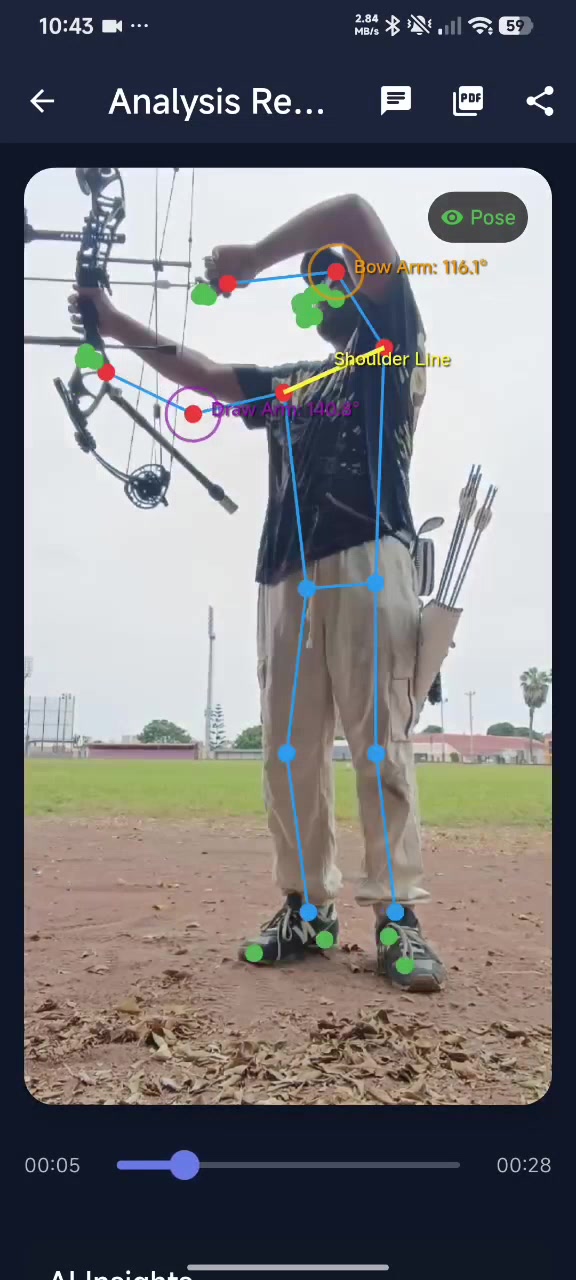
Set up a video review.
Record or import a shot, then review the movement timeline and AI feedback. Keep the camera steady and the full shooting motion in frame.
- Choose a clear camera angle
- Review saved analyses
- Compare two saved videos
02
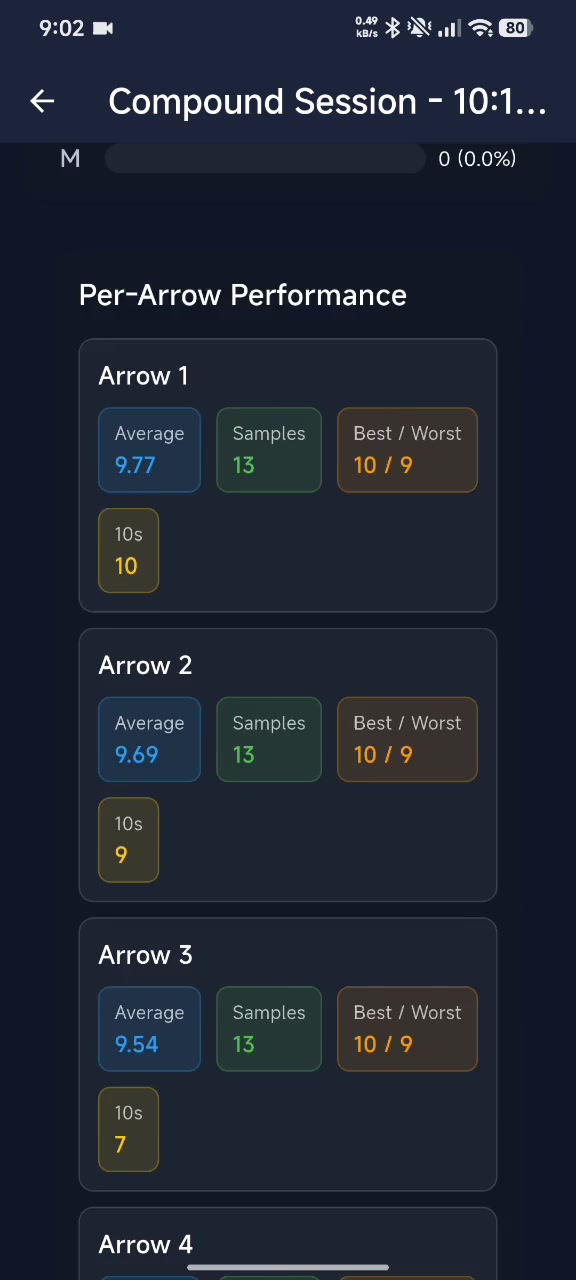
Keep a score with its session.
Enter scores numerically or place arrows on a target face. Save the session to return to its score and history later.
- Enter arrow values
- Place arrows on the target
- Save and share a session report as a PDF
03
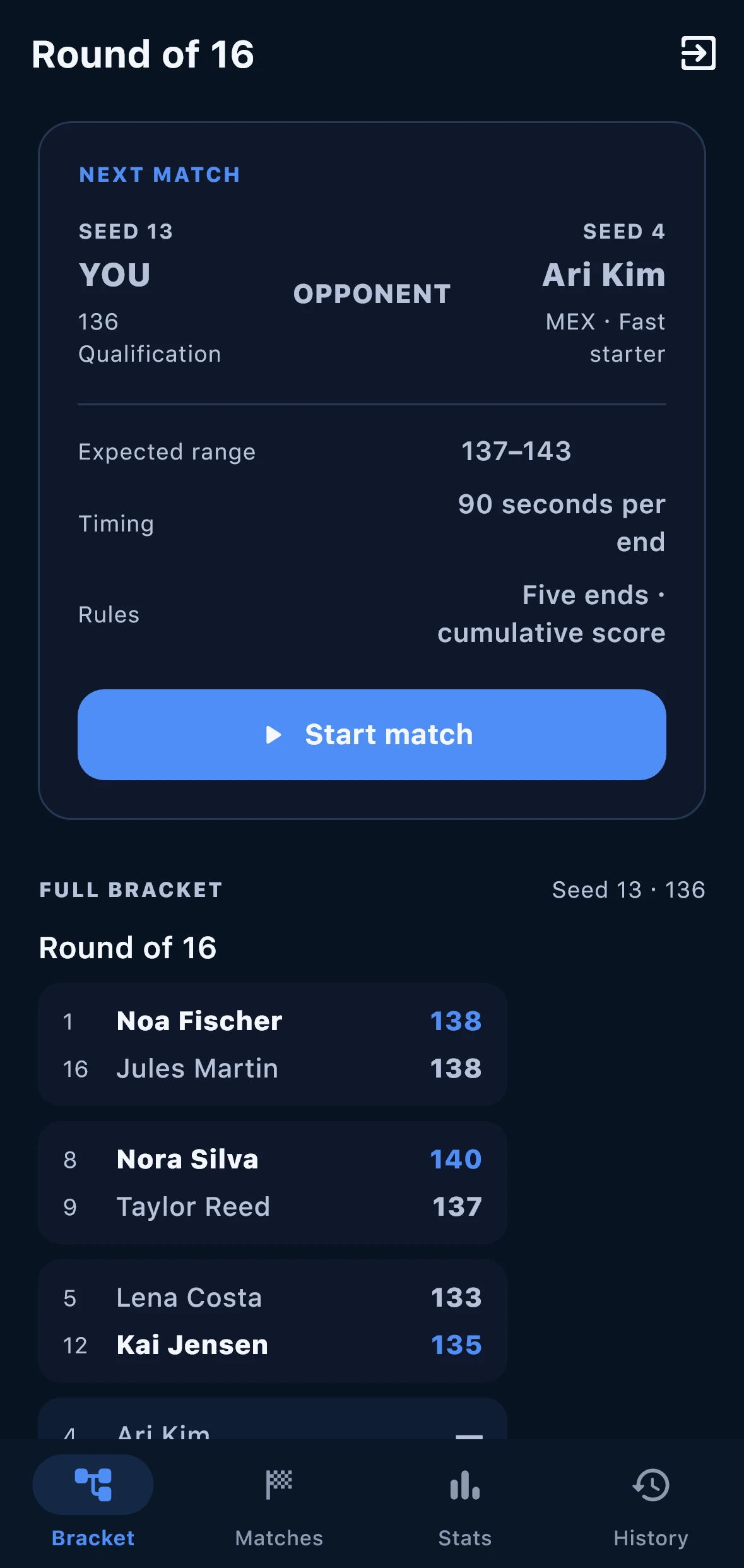
Add structure to competition practice.
Use a competition timer, practice qualification rounds, or enter an elimination tournament against simulated opponents.
- Competition timer
- Qualification practice
- Simulated elimination tournament
Questions before you download
Clear answers for the range.
Choose video analysis to review a recorded shot, scoring to log an end, or competition training to practice timed and simulated formats.
Yes. Save a session or video-analysis report as a PDF, then share it from your phone.
Yes. Select two saved videos to view them side by side and compare their analysis.
On iOS and Android
Take ArcherSense to the range.
Log your scores, review recorded shots, and share a report with your coach.