Archery scoring app
Score arrows on screen or enter each value.
Place arrows on a target face or enter their values numerically. Save the session to keep its score and practice history together.
Download ArcherSense ↗Available on iOS and Android. Plans and availability can vary by country.
01
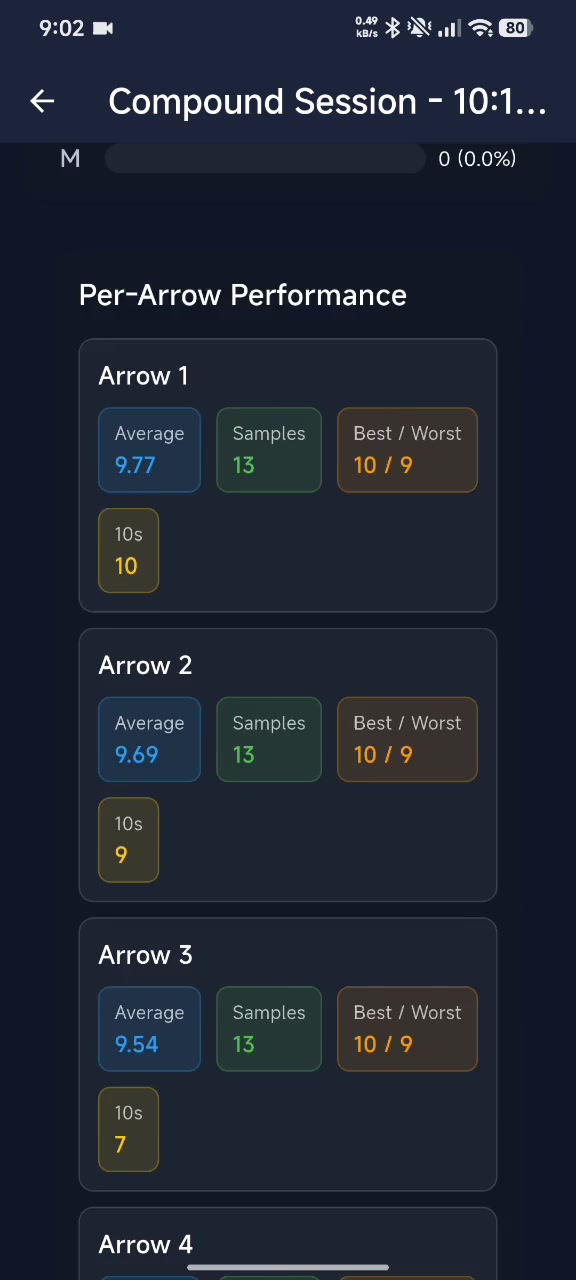
Enter an end as you shoot.
Add each arrow by placing it on the target face or typing its score. The app calculates the session total and keeps the score with the saved session.
- Place arrows on the target face
- Enter scores numerically
- Save the session total and history

02
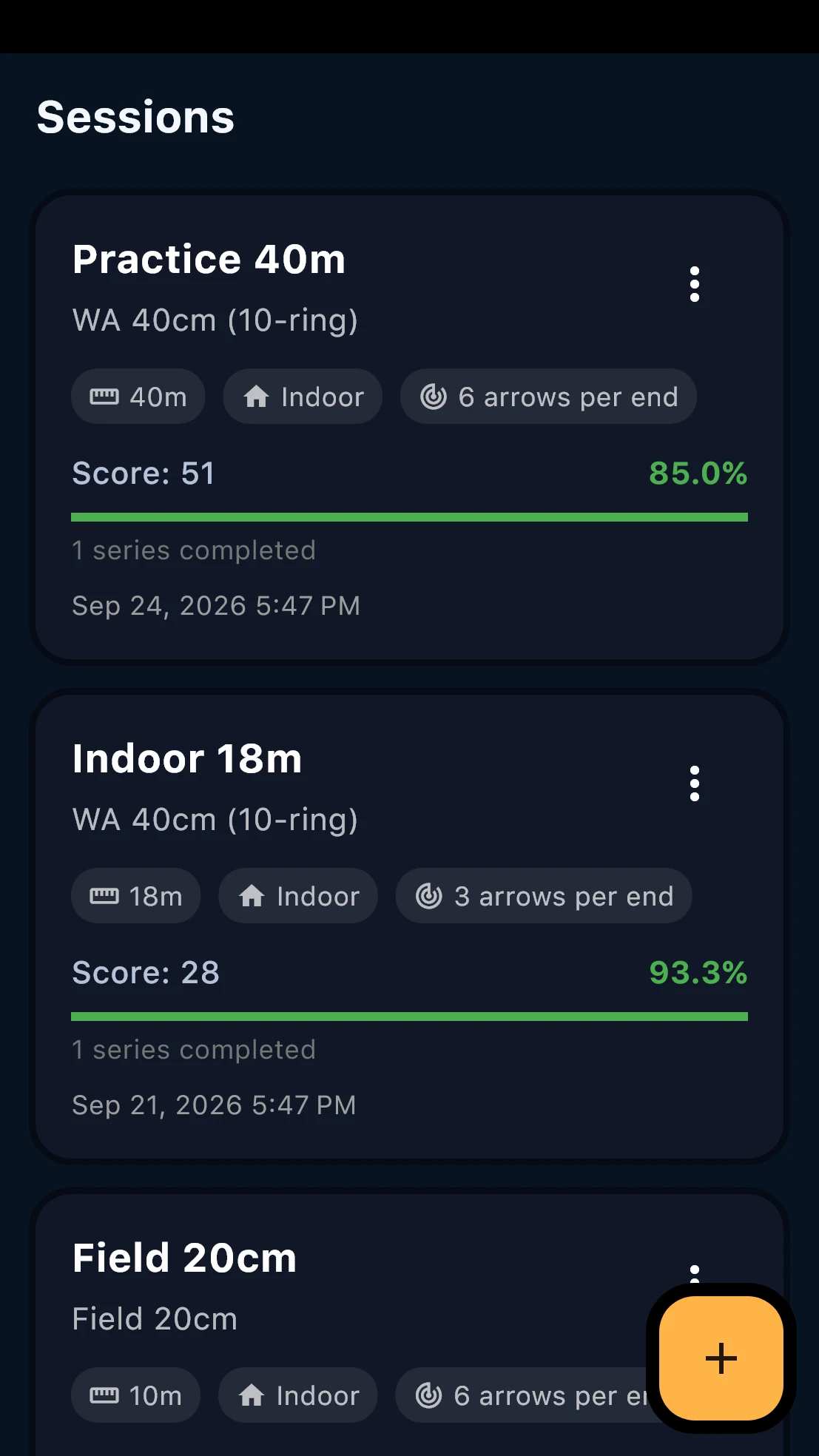
Return to saved sessions.
Your session history keeps past scores available to review. Compare sessions over time and use the results to choose what to work on next.
- Reopen saved session scores
- Review scoring history
- Look for changes across sessions
03
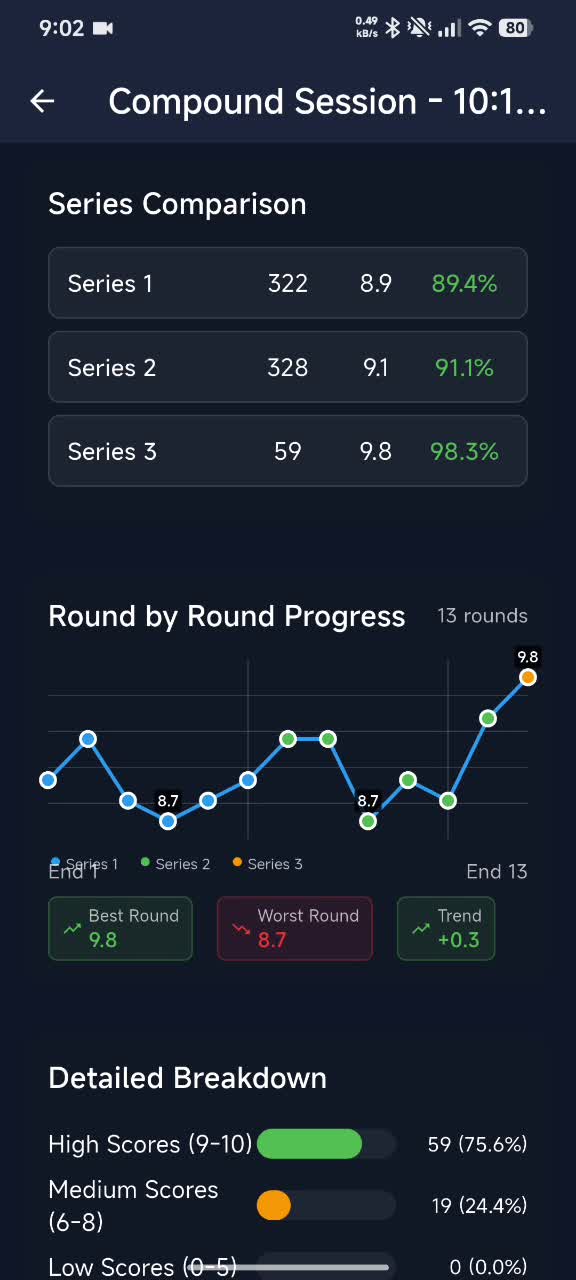
Share a session report.
Save a session report as a PDF and share it from your phone. Your coach can review the score and session details with you.
Before you start
What to keep in mind.
Scoring is entered by placing arrows on the target or entering their values. ArcherSense does not automatically score a target photo.
Questions before you download
Clear answers for the range.
Place each arrow on the target face or enter its value numerically. ArcherSense calculates the session score from the entries.
Yes. Saved sessions appear in your history so you can return to their scores and compare practice over time.
Yes. You can enter and save scores without using video analysis.
Save the session report as a PDF and share it from your phone.
On iOS and Android
Take ArcherSense to the range.
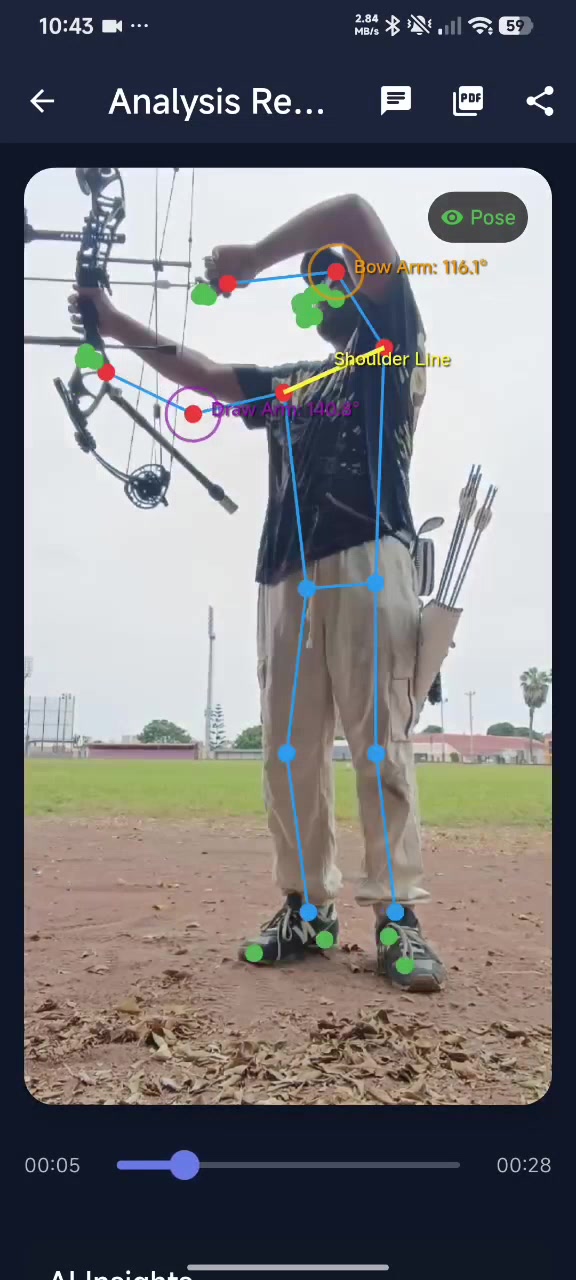
Log your scores, review recorded shots, and share a report with your coach.